 Hisab Pagar

Key points
- Show the pay period, attendance, earnings and every deduction.
- Keep overtime and advances on separate lines.
- Check the net amount, payment mode and date before sharing the slip.
A salary slip gives each worker a clear record of what they earned, what was deducted and how the final amount was paid. You do not need a complicated payroll system to make one. This simple Excel format has the employee details, attendance, earnings, deductions and payment fields a small shop or workshop needs.
Download the salary slip template
Download the Excel salary slip template if you want a ready-made sheet with live formulas and currency formatting. Use the CSV version if you prefer a simple file to open or import in Google Sheets; its sample formula results are already filled in. Both files include an example for Sunita Devi. For a fuller guide to the fields and another worked layout, see our companion article, salary slip format for small businesses.
What the slip should show, and why
Business name and address. This identifies who is paying and gives the worker a useful document to keep. Put the shop, workshop or company details at the top.
Employee name and designation. The name confirms whose pay is listed. A designation such as helper, tailor or machine operator helps distinguish staff with similar names and keeps the record clear for you.
Month and days in the month. The month tells the worker which pay period the slip covers. Days in the month show the divisor used for a calendar-day calculation, so the earned salary can be checked rather than guessed.
Present days, paid days and joining date. Present days summarize attendance; paid days are the count used for the salary calculation after applying your agreed rules for paid leave, holidays and weekly offs. The joining date explains why a person may have fewer paid days in their first month.
Earnings. Show the monthly salary, the earned portion for the month, overtime hours and rate, overtime amount and any bonus separately. The worker can see how each part adds up, and you can compare the slip with the attendance and overtime record.
Deductions and totals. List an advance recovered, late fine or other deduction on its own line. Then show total earnings, total deductions and net payable. Itemizing deductions avoids the impression that money has disappeared inside a single unexplained figure.
Amount in words, payment mode and signatures. The amount in words helps prevent a reading mistake. A date-paid field and cash, UPI or bank line record when and how the payment was made. Signature spaces help you keep a paper office copy acknowledged by both sides.
A filled example: Sunita Devi
Sunita is a shop assistant on a monthly salary of ₹14,000. This example uses a 30-day month. She was present for 26 days, and two additional days are paid under her terms, giving 28 paid days. She has four overtime hours at ₹70 per hour and has already taken a ₹2,000 advance. There is no bonus, late fine or other deduction. The template keeps attendance and payment details together, so Sunita and the owner can follow the same arithmetic.
Keep the full division until the final amount, then show two decimal places. The earned salary is not the full monthly amount because this example has 28 paid days in a 30-day month.
Next, show the advance as a deduction. Listing it separately lets the worker check what was already received and what remains to be paid.
The Excel template calculates earned salary, overtime, totals and net payable from the sample inputs. Replace the sample values with the worker’s details, check the attendance and advance records, and confirm the result before issuing the slip. The displayed amount is rounded to the nearest paisa.
Fill it in and share it
- Enter the business name and address, then the employee name, designation, month and joining date.
- Enter days in the month, present days and paid days from your attendance record. Use your normal written rule for week offs and paid leave.
- Fill in monthly salary, overtime hours and rate, bonus, and each deduction. Do not combine an advance and a fine into one number.
- Check total earnings and deductions, then confirm the net payable against the amount actually paid.
- Add the date paid, payment mode and amount in words. Print the slip, or save/export it as a PDF and send it to the worker on WhatsApp.
Keep a copy for the business as well as one for the worker. If the worker asks about a figure, the attendance register and advance record should support the amount on the slip.
Mistakes that cause disputes
- No month shown. A loose slip without a pay period is difficult to match with a later question.
- An advance is not itemized. Record the amount recovered separately so the worker can compare it with the advance entry.
- Overtime is missing. Include both hours and rate, not just a combined amount.
- No payment mode is recorded. Note cash, UPI or bank transfer and the payment date on the final copy.
- Slips are not kept. Save one copy by month and employee. A missing record makes it harder to settle a mismatch later.
A note on wage slips
The Code on Wages provides for employers to issue wage slips in the prescribed form and manner. The details that apply can depend on the relevant rules and circumstances. This is general information, not legal advice; check the current requirements for your business if you are unsure.
Salary slips with Hisab Pagar
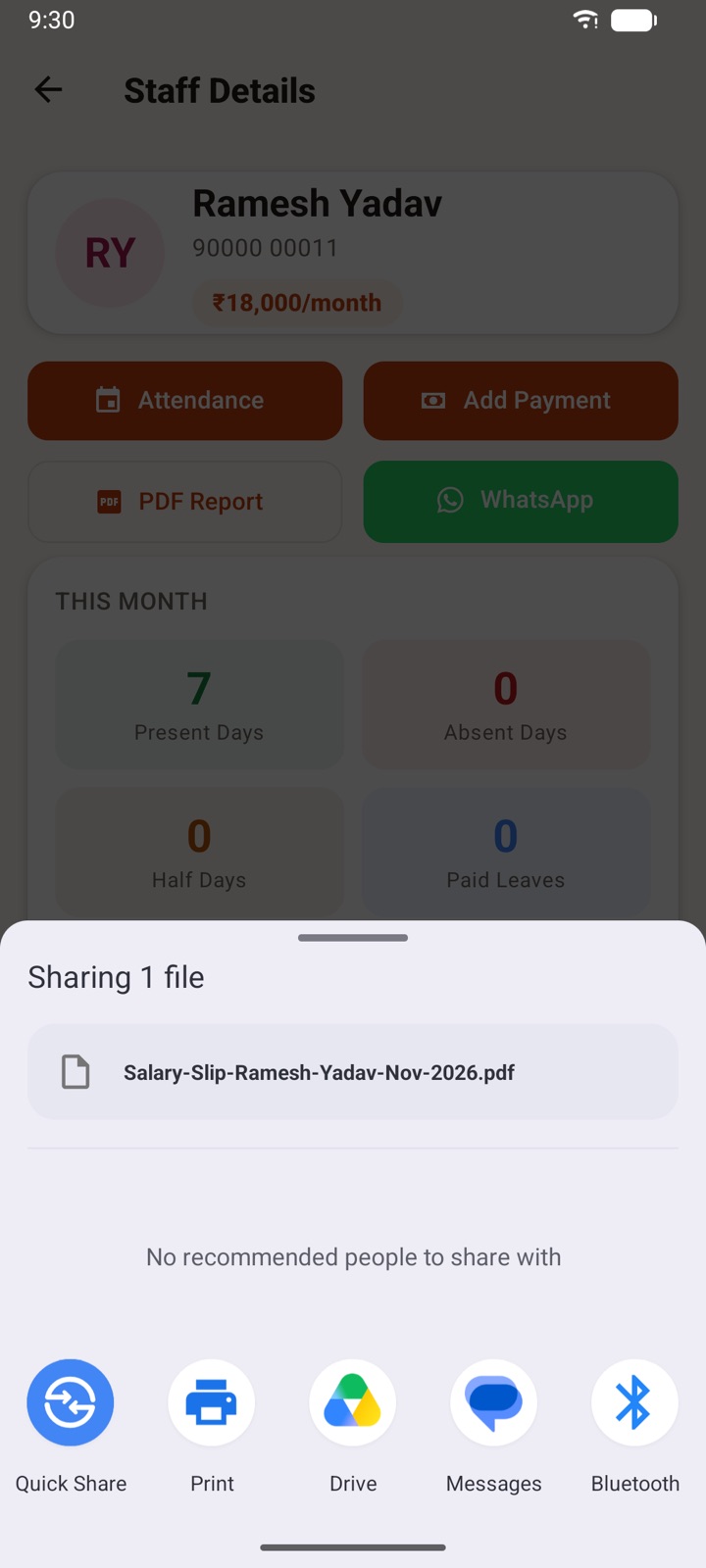
Hisab Pagar makes a salary slip PDF from the attendance you have already marked and lets you send it to the worker’s WhatsApp. It brings the recorded paid days together with advances, overtime and late fines automatically, so you do not have to copy each amount into a separate slip by hand. Review the figures, then share the PDF with the worker.
Frequently asked questions
What should a salary slip include?
Show the employee and business details, pay month, attendance days, earnings, each deduction, net payable and payment mode. Leave space for signatures on a paper copy.
Can I use this salary slip template in Google Sheets?
Yes. The CSV file opens or imports in Google Sheets and contains the sample results as values. The Excel workbook has live formulas and formatting; after importing or editing a sheet, check formulas and totals before sharing it.
How is earned salary calculated for part of a month?
In the calendar-day example here, divide monthly salary by the days in the month and multiply by paid days. Keep the divisor and paid-day rule consistent with the method you use for that worker.
Can I send the salary slip on WhatsApp?
Yes. Save or export the completed slip as a PDF and send it to the worker. Keep a copy for your records and confirm that the amount and payment details are correct before sending.